Your wallpaper is the home screen. Time, depth widgets, and dynamic tools live right on it —
and one swipe up unfolds a hidden space of pages. Everything processed on your device.
Space Launcher keeps the home screen untouched — a wallpaper you love — and layers what you need on top of it. Time, depth, dynamic tools, and quick actions in one place, with everything else one swipe away.
Wallpaper-first home screen
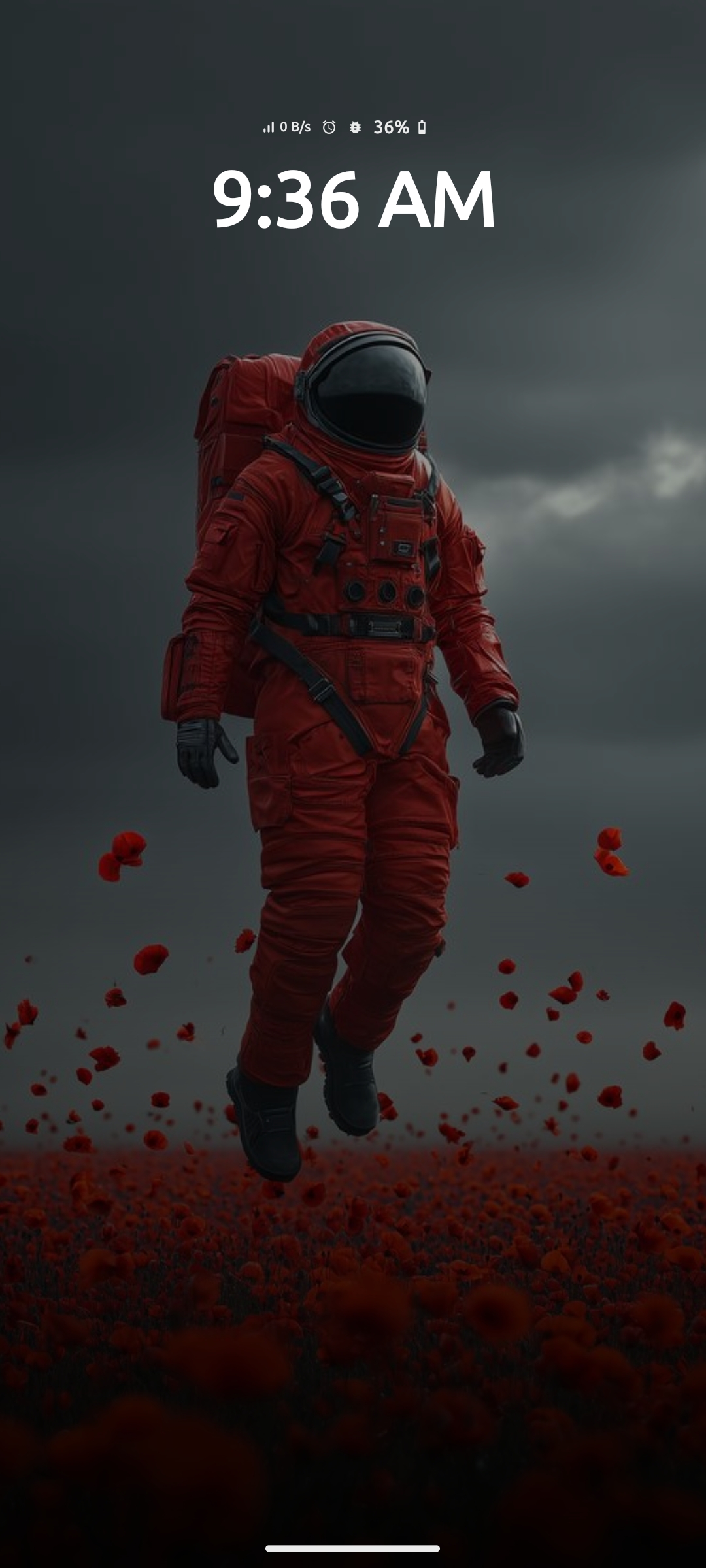
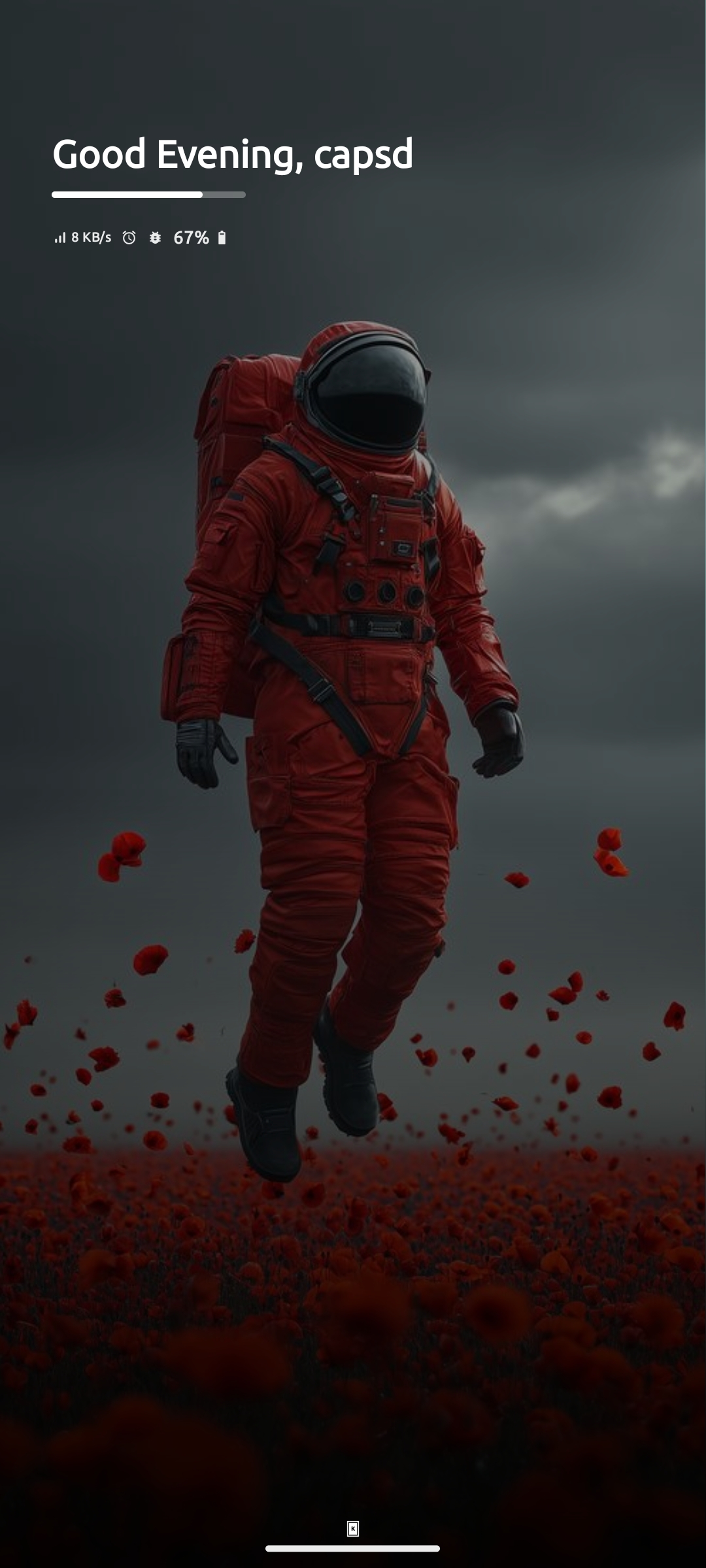
The wallpaper is the home screen. Top info, depth widgets, and dynamic tools sit directly on it — nothing cluttered on top.
Real depth widgets
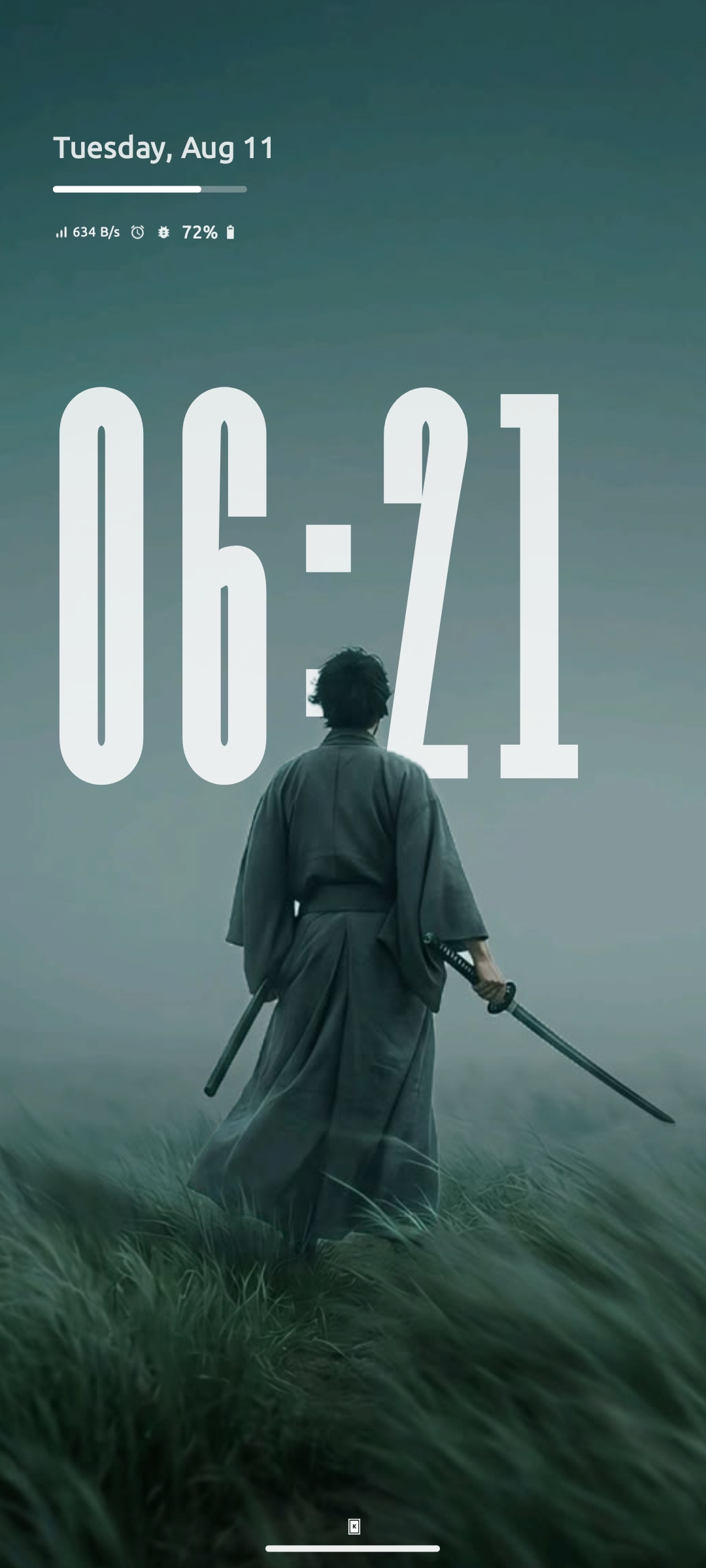
Built-in visual processing separates the foreground of your wallpaper so it floats in front of the depth clock and text — true dimensional home screen.
One-swipe hidden space
Swipe up and the wallpaper shrinks away, revealing a hidden space with every page you need — all reachable with one finger.
No data collected
Every feature runs locally on your device. Nothing is collected, transmitted, or sold.
Fully on device
Smart suggestions, mindful pause, depth widgets — all processed locally using built-in visual processing.
The home screen
Four layers, one wallpaper
Everything on the home screen is built from four layers — the top info area, depth widgets, dynamic widgets, and quick launch. Each is fully customizable in font, size, and alignment. Swipe up and the wallpaper yields to the hidden space below — every page, one thumb away.
Top Info Area
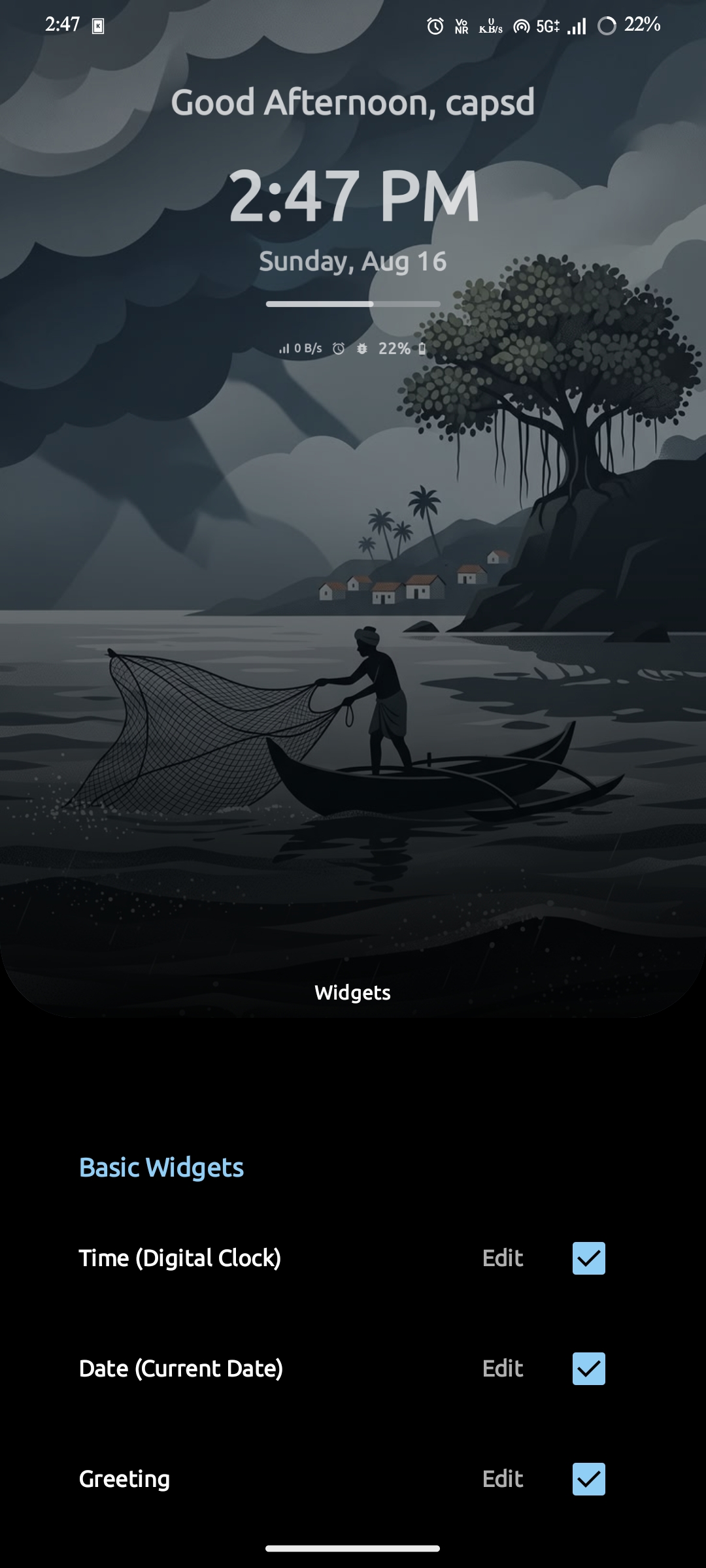
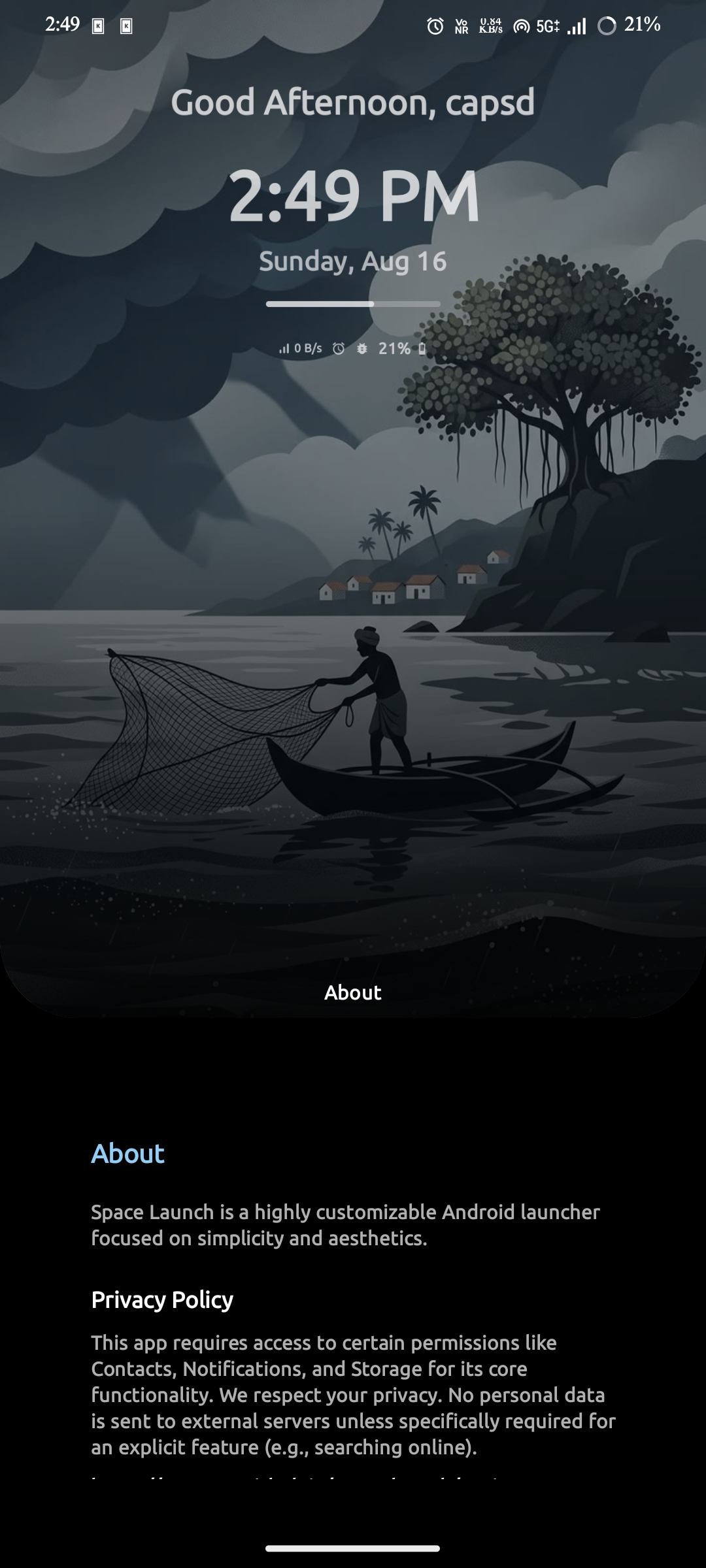
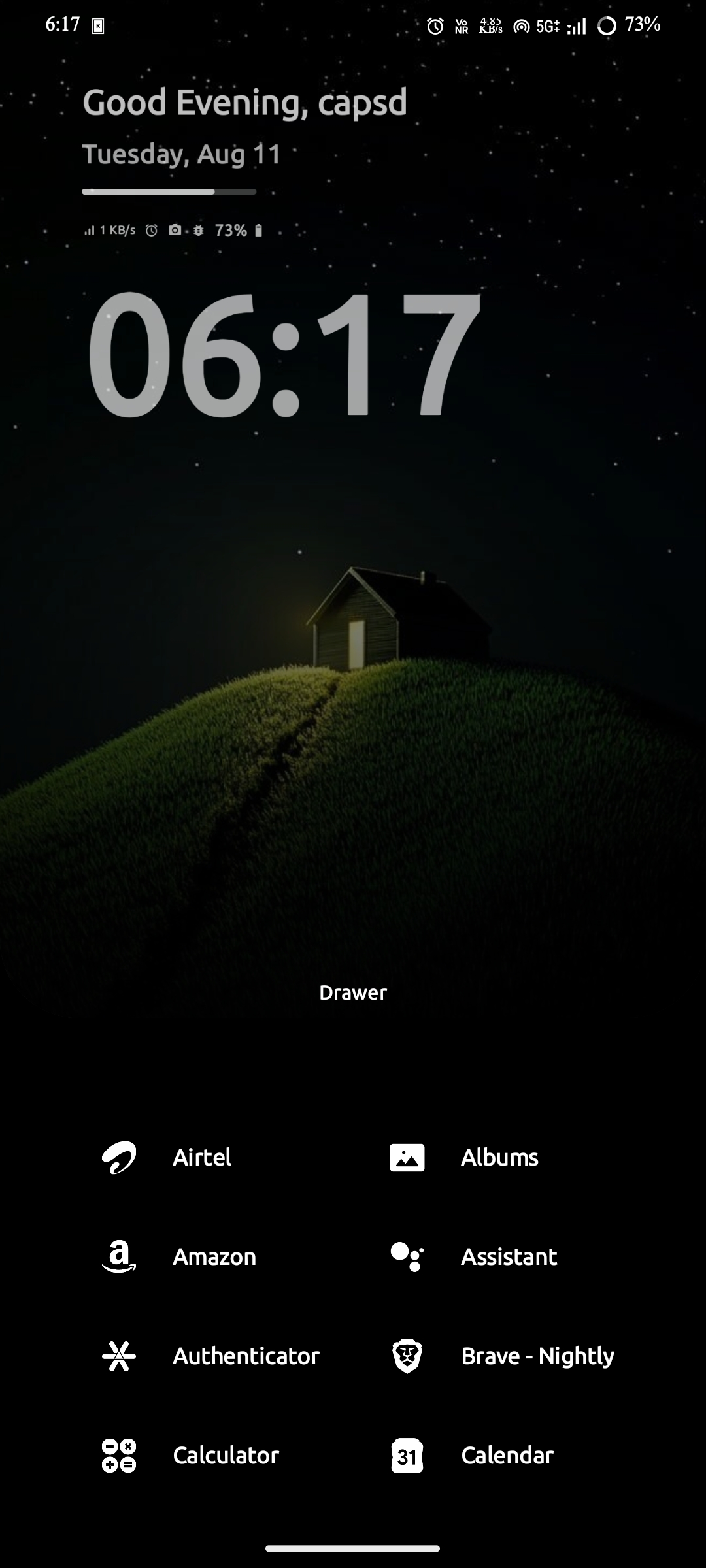
The top of your wallpaper keeps the essentials at a glance — time, date, a personal greeting, and a day-progress bar. Below them, real-time status icons show what's actually happening on your phone: live network speed, battery percentage, whether an alarm is set, and when your camera or mic is in use. Each icon appears only according to usage state — shown while the feature is in use, then hidden automatically once idle. Every element can be positioned vertically or horizontally, and the whole area follows one global font typography, so it always fits your wallpaper.
Time, date, greeting & day progress in one glance
Real-time status icons — live network speed, battery percentage, alarm, camera & mic, and more
Vertical & horizontal alignment under one global font typography
Readable on any wallpaper — except pure white, where white text would disappear
Depth Widgets
The depth clock and depth text feel alive — built-in visual processing separates the foreground object from your wallpaper and renders it in front of the depth widgets for a true 3D effect. Depth time and depth text each take their own font, and you can grow the set just by adding depth shadows and a parallax effect.
Depth time & depth text widgets, each with its own font
Built-in visual processing, on-device
Add more depth with depth shadows & parallax effect
Font & alignment tuned to your wallpaper
Dynamic Widgets
Dynamic widgets bring your tools straight to the home screen — to-do list, music player, speed dial, habit tracker, quick launch, agenda, quick settings, smart suggestions, weather, and notifications. You can also add other apps' widgets as system widgets. Each page holds one widget, swiped horizontally, and every widget stays updated without opening its app.
Add other apps' widgets as system widgets (a few may not render)
Swipe up — dynamic widgets displace and fade, clearing the wallpaper for the hidden space
Opacity control on every dynamic widget
Quick Launch & Notifications
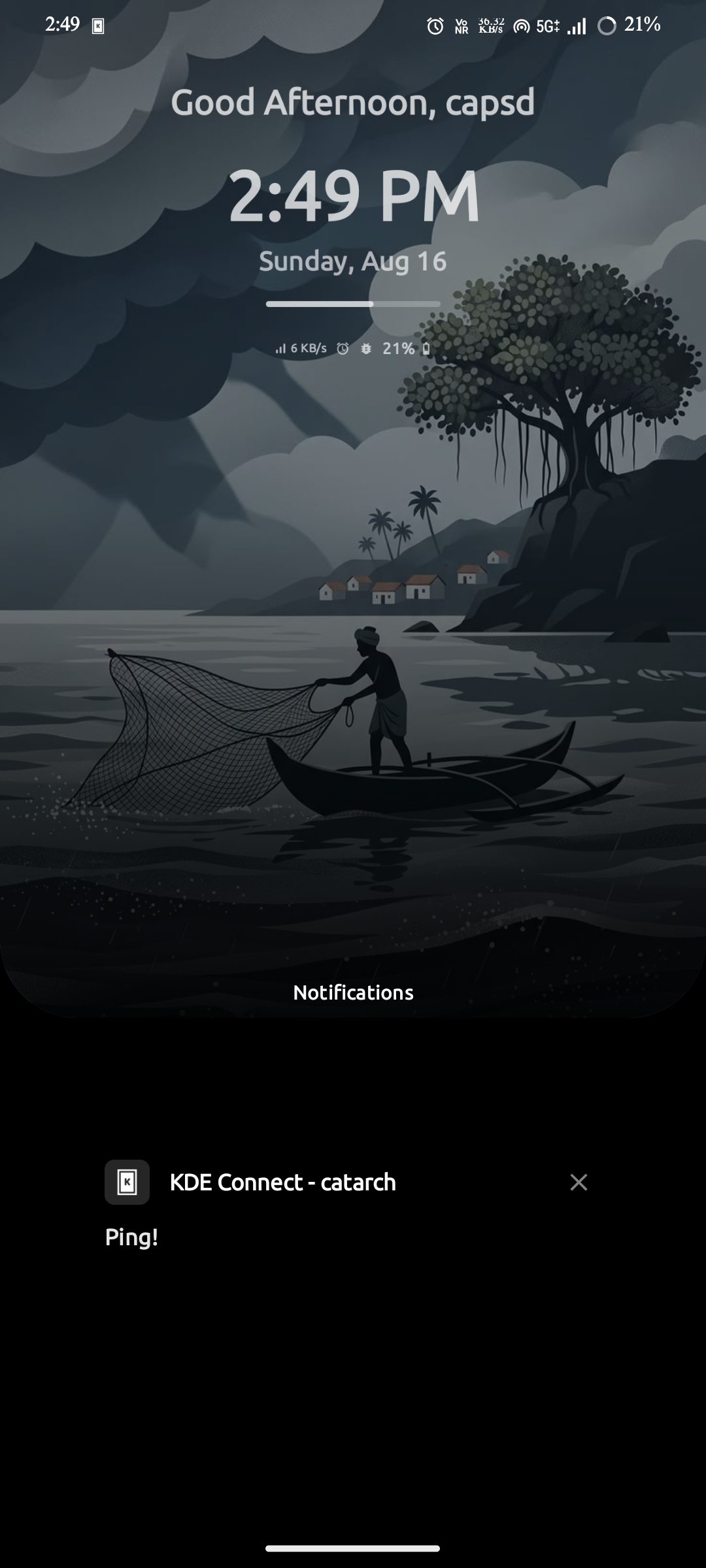
Both bottom corners hold your one-tap essentials — pin a contact, a shortcut, or any app to open the camera, make a quick call, or scan and pay in a flash. Right above the navigation bar sits a compact notifications strip showing icons for every notification currently active in the system panel, so you always know what's waiting. Both widgets support vertical alignment and opacity control.
Pin contacts, shortcuts & apps to both corners
Quick call, quick camera, scan & pay
Notification icons from the active system panel, placed above the navigation bar
Vertical alignment & opacity control on both
One-swipe navigation
The hidden space
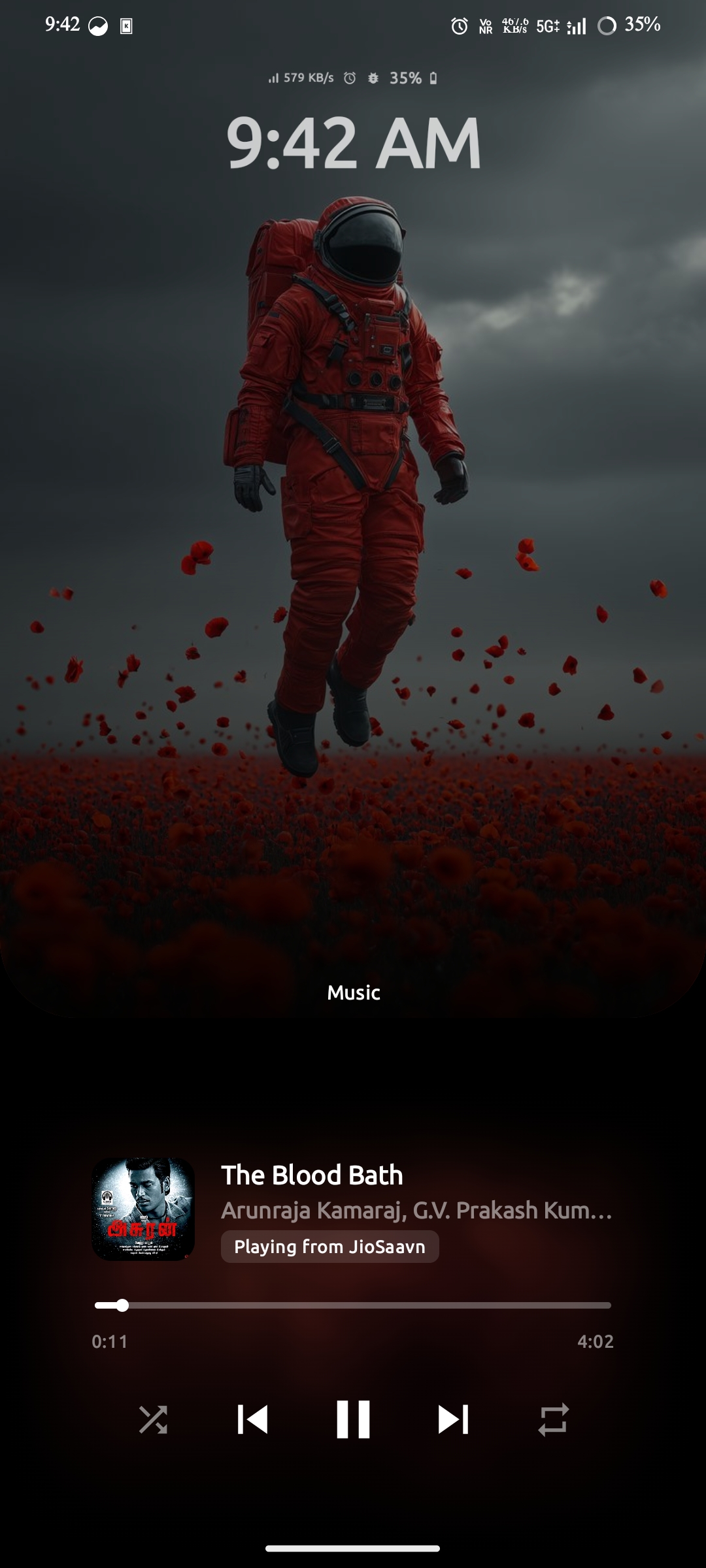
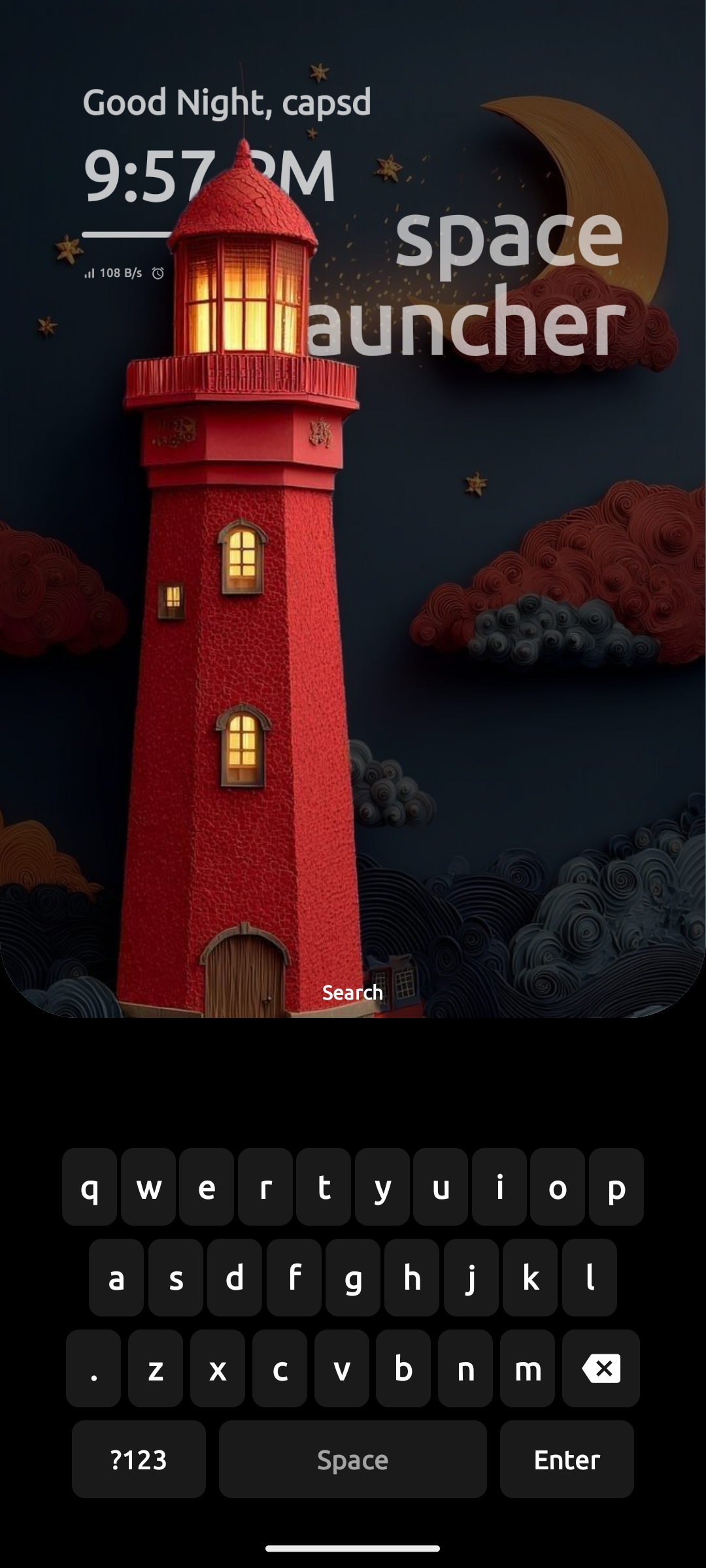
Swipe up from the bottom and the wallpaper shrinks, displacing to the top as the hidden space unfolds. Every space page lives there — flip vertically or swipe horizontally through cards, and control it all from a single Page Manager.
Swipe up to reveal
The wallpaper gracefully shrinks and slides to the top, turning your home screen into the entrance to the hidden space.
Vertical page mode
Swipe up and down to move through your space pages as a continuous, natural stack.
Horizontal card mode
Swipe left and right through pages as glanceable cards — quick to scan, quick to land.
Page Manager
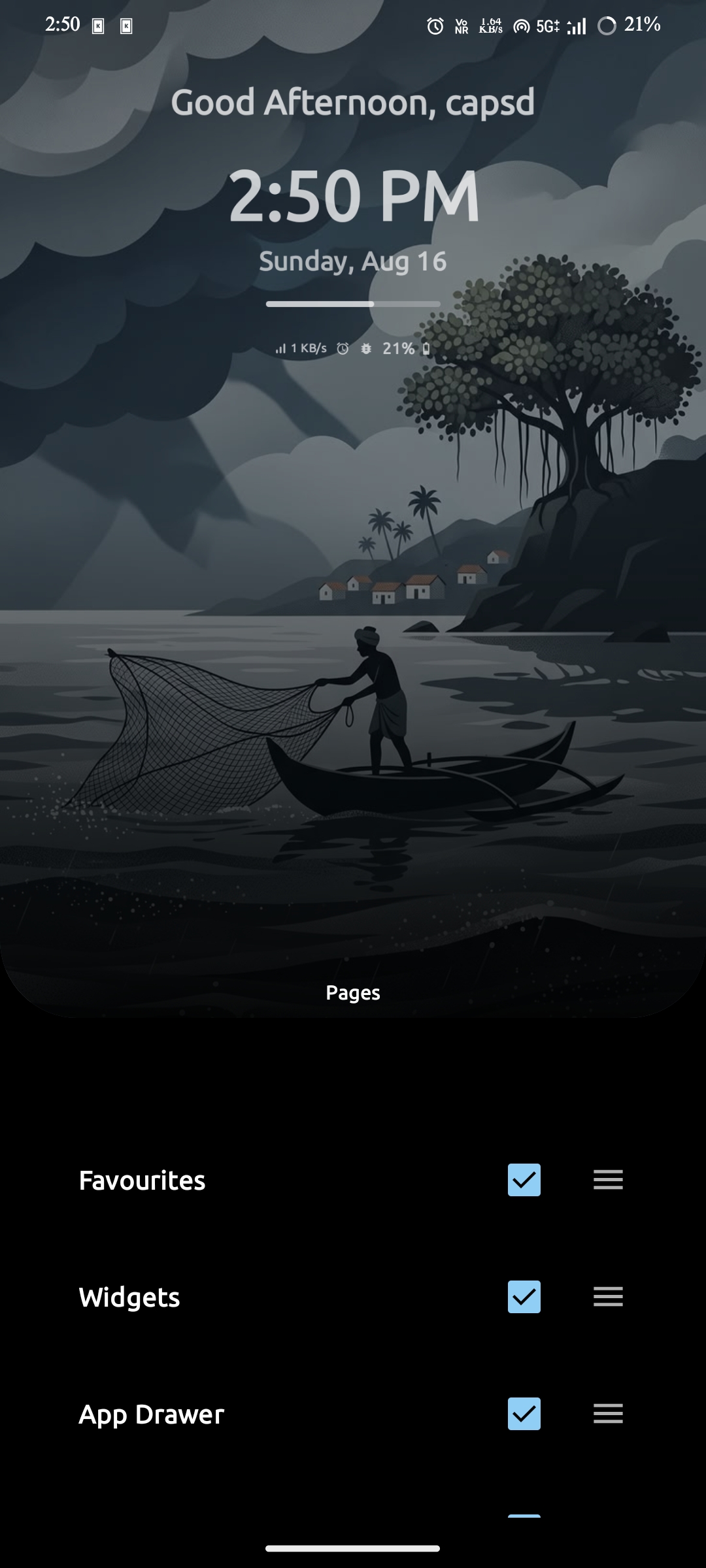
A master page that switches any space page on or off, rearranges their order, and lets you set a home page — the hidden space is fully yours.
Pages
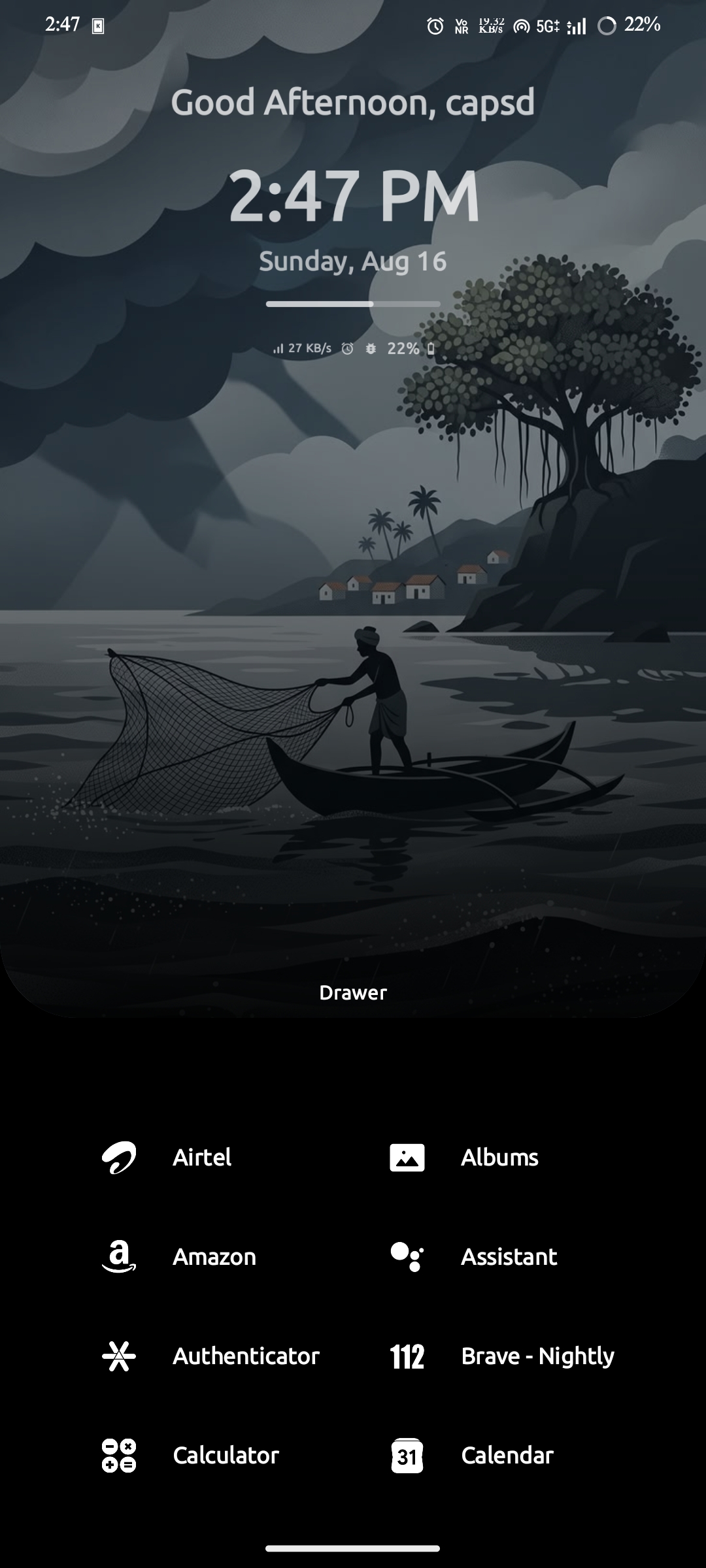
Drawer
Widgets
Music
Notifications
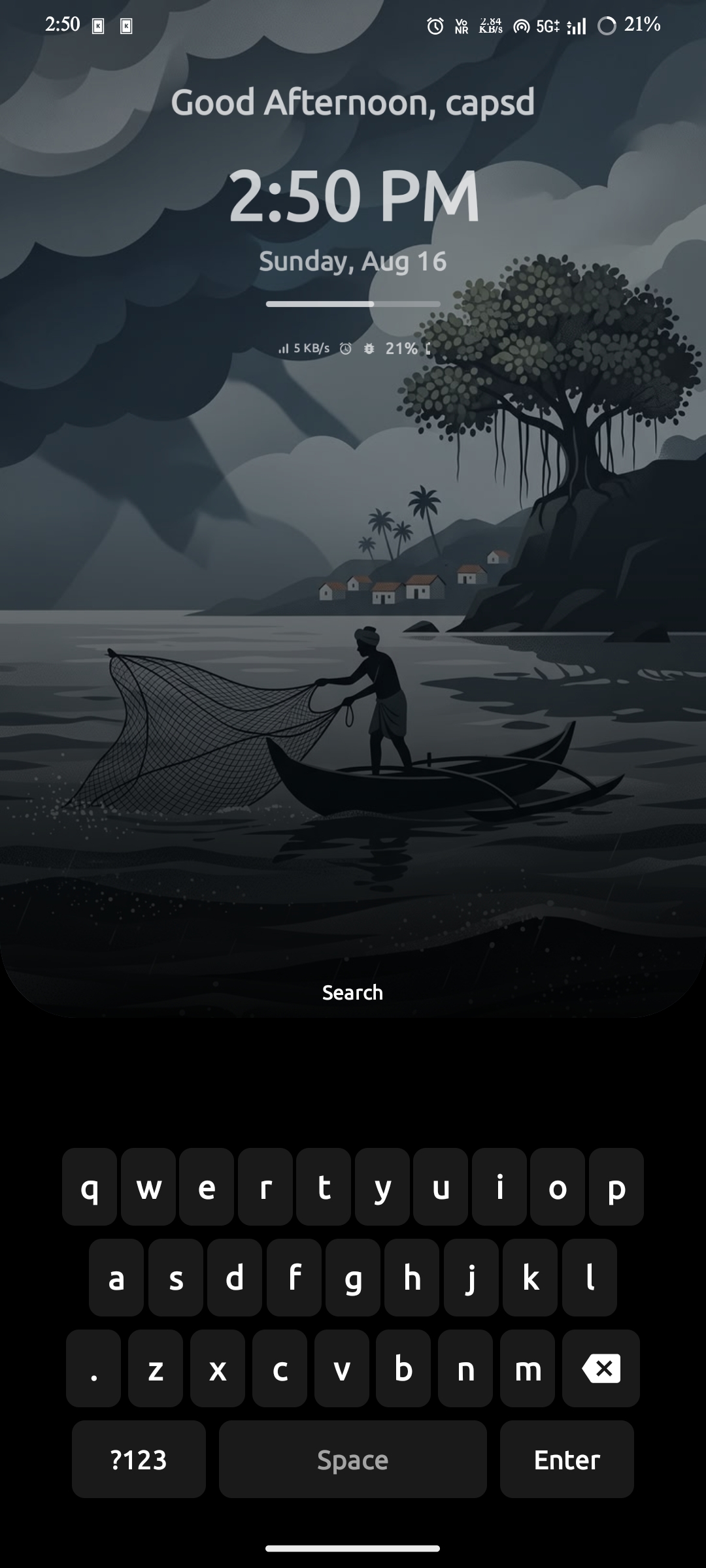
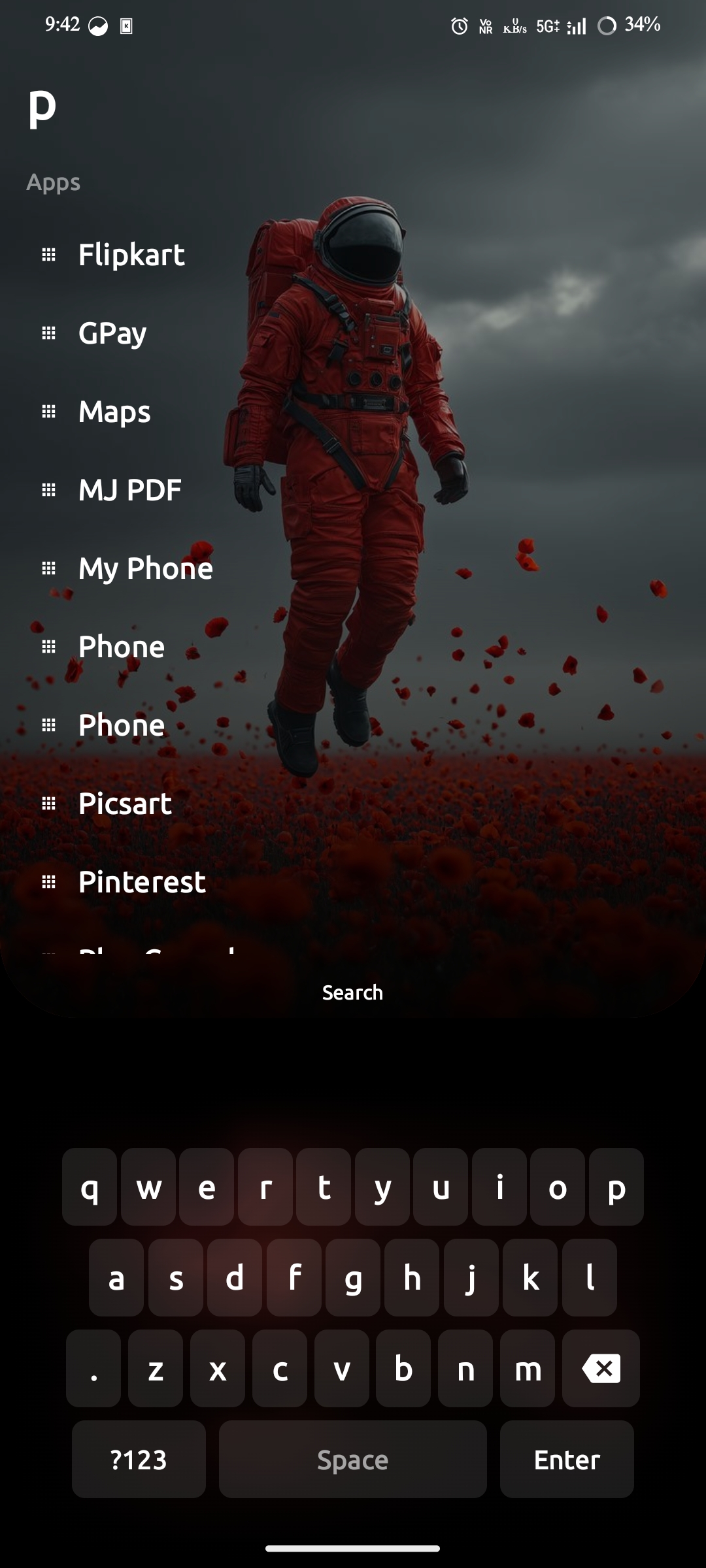
Search
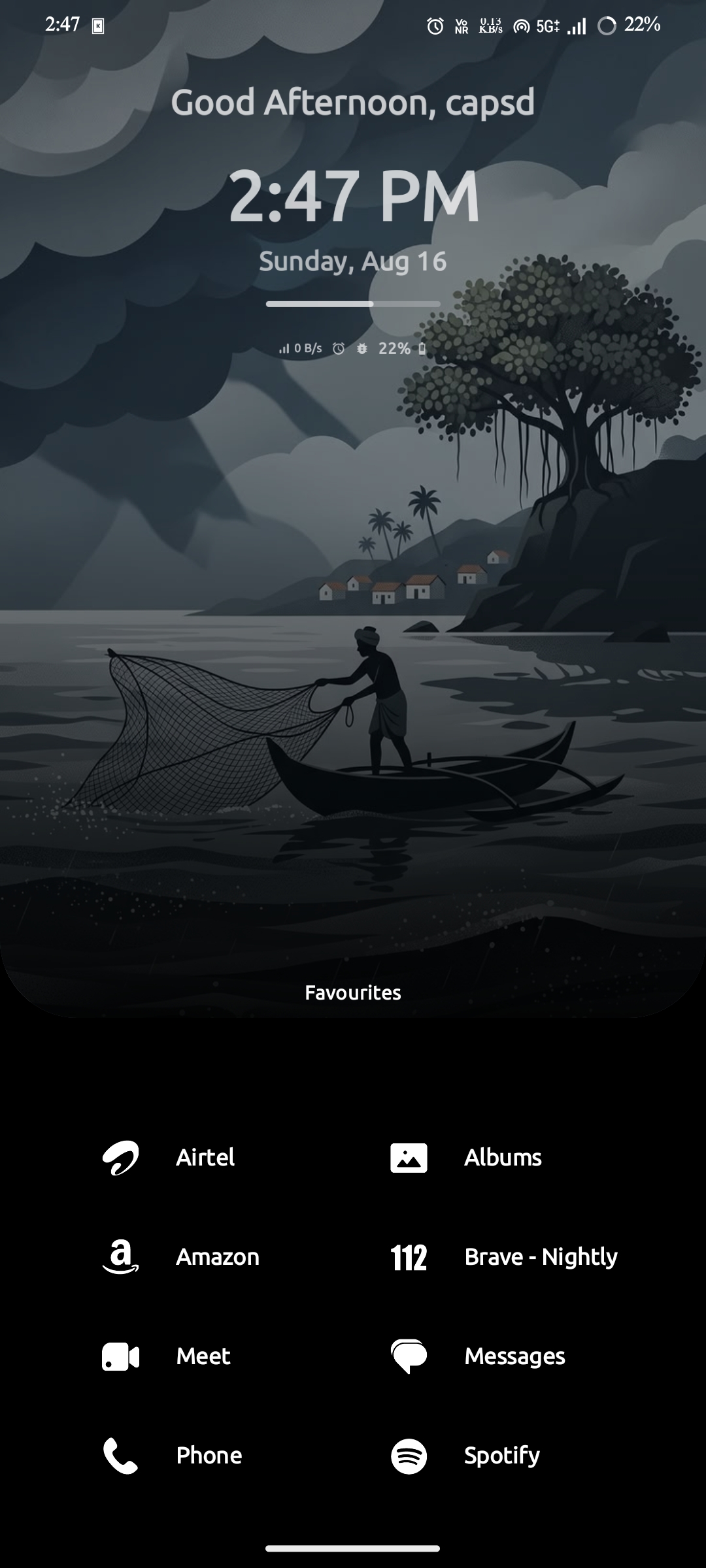
Favourites
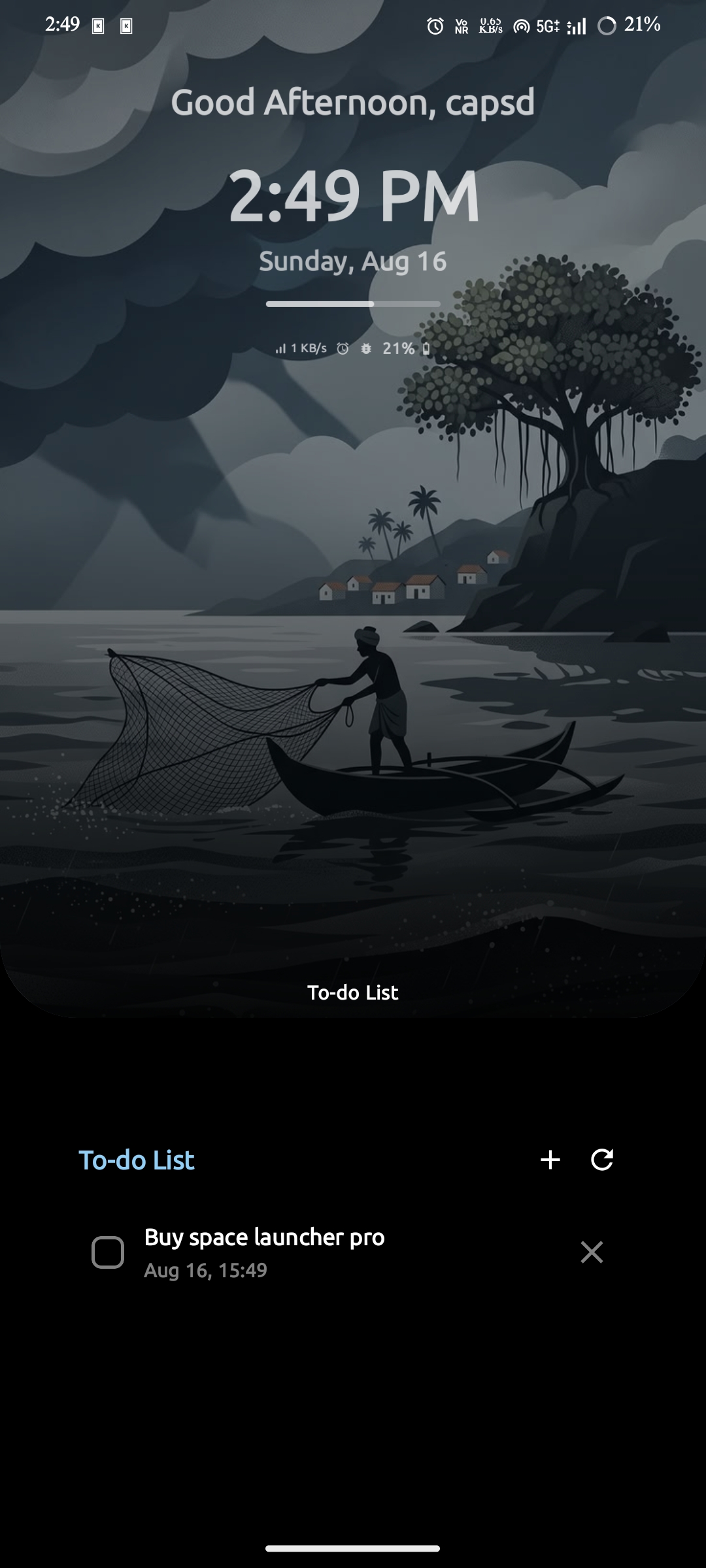
To-Do
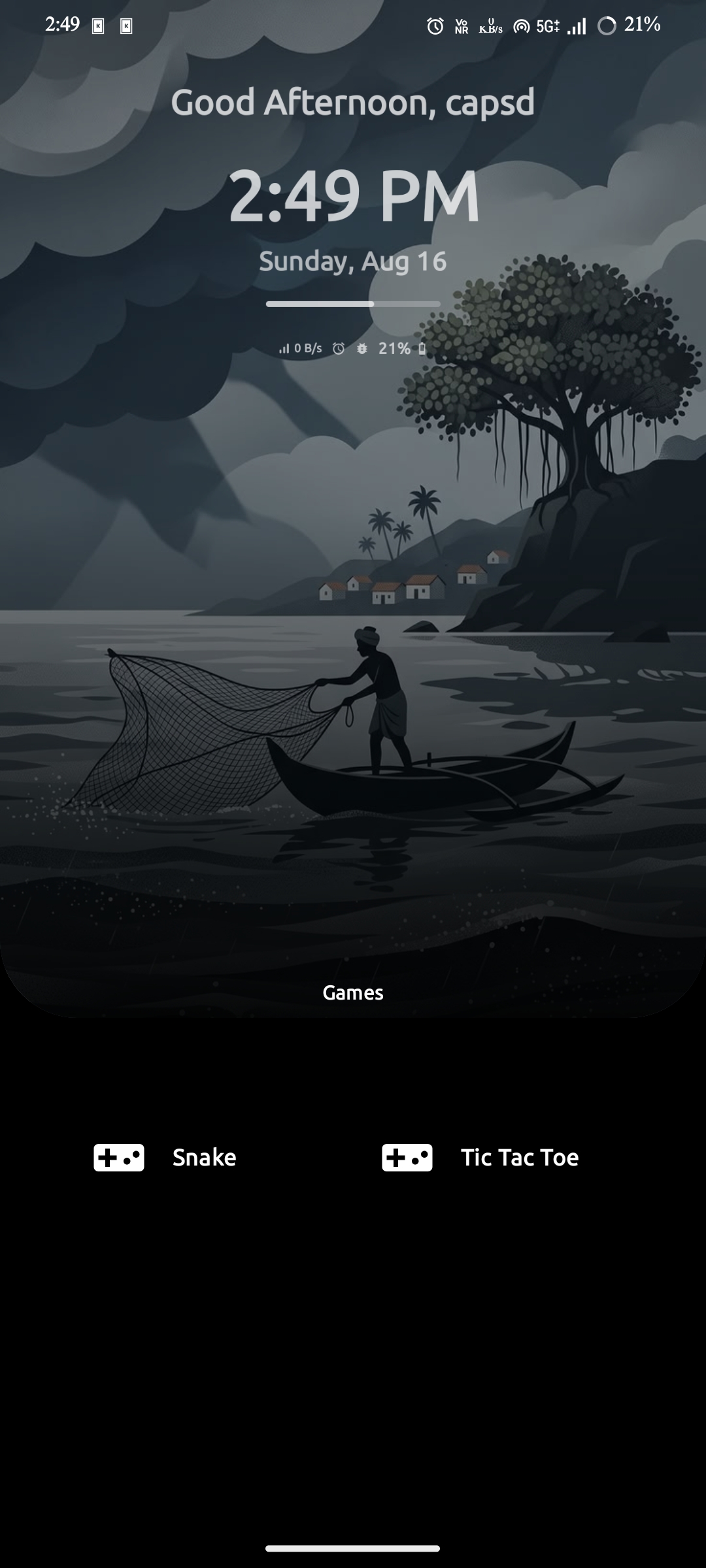
Games
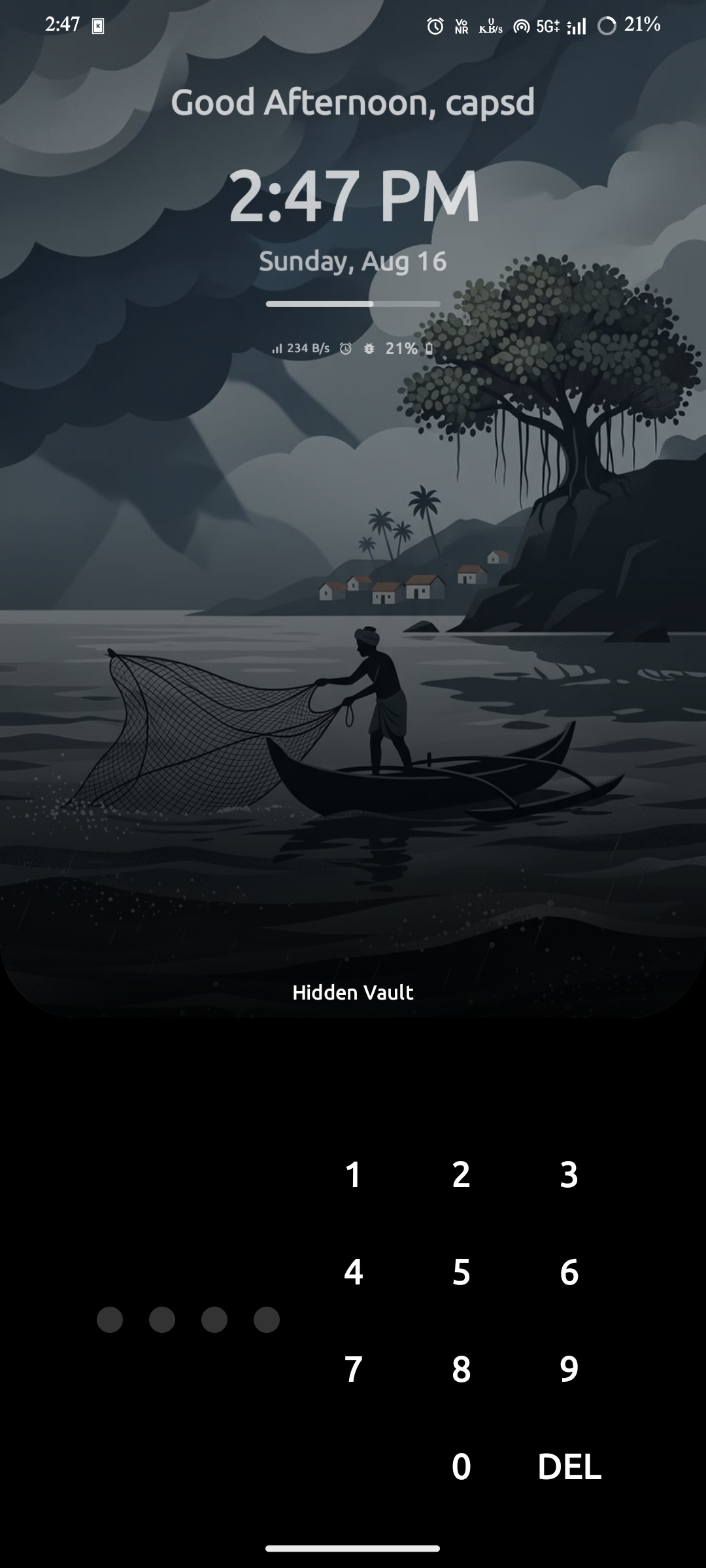
Hidden Vault
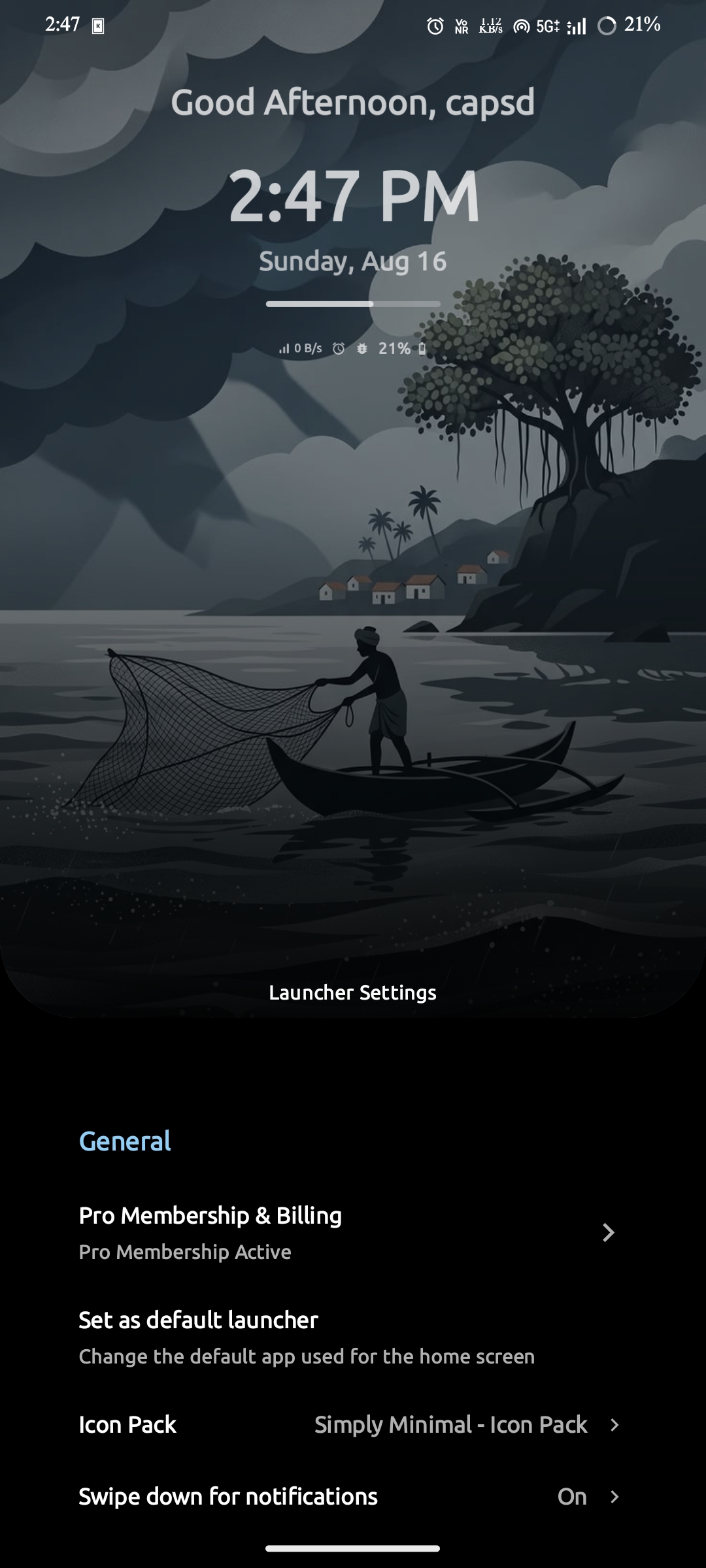
Settings
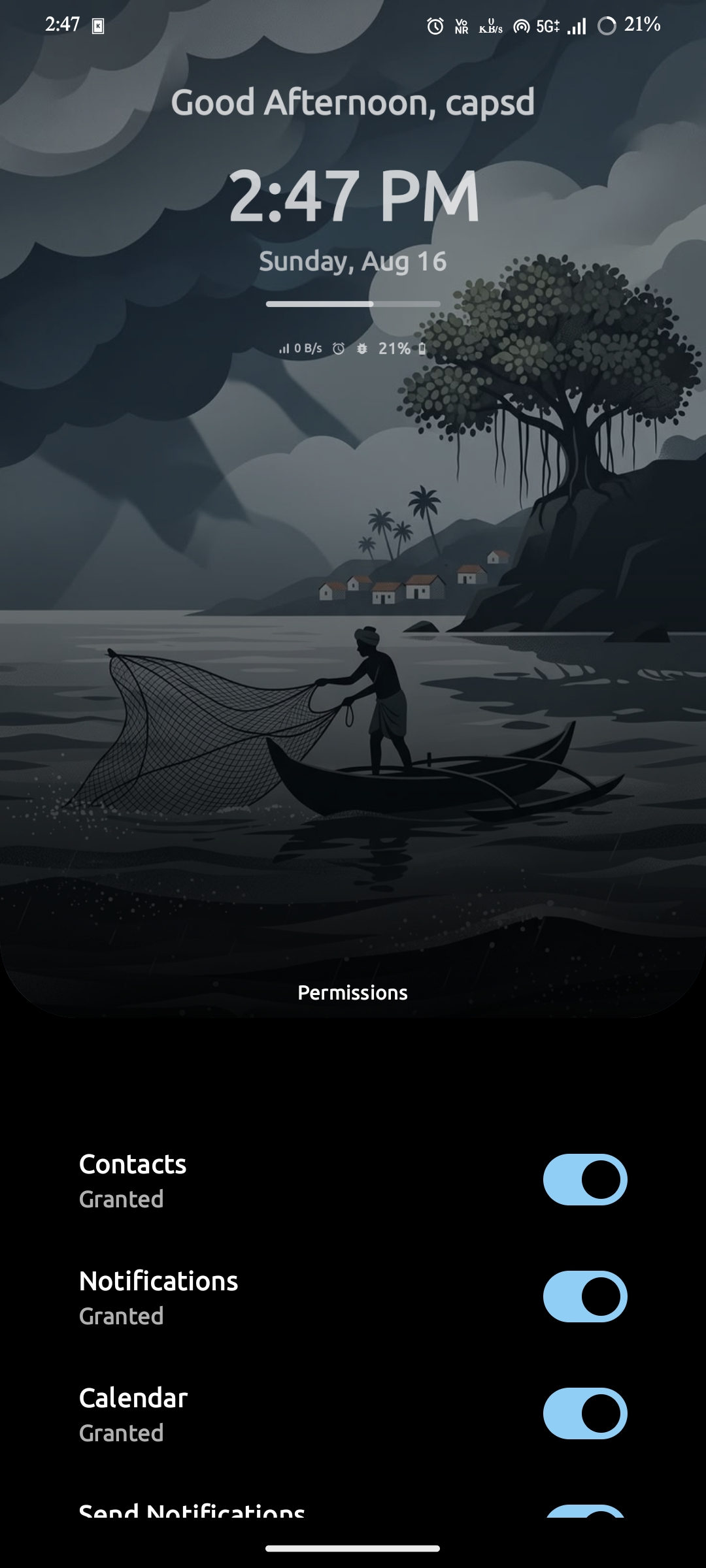
Permissions
About
Page Manager
Every page is reachable with a thumb at the bottom — nothing forces you to reach the top of the screen.
Features & Customization
Make every pixel yours
A full-featured launcher — icon packs, home-screen layouts, depth effects, smart search, and over 1900 fonts at your fingertips.
Third-party icon packs
Apply any third-party icon pack or choose from built-in Material Icons — Default, Sharp, Rounded, Outlined, and Two Tone.
Music & visualiser
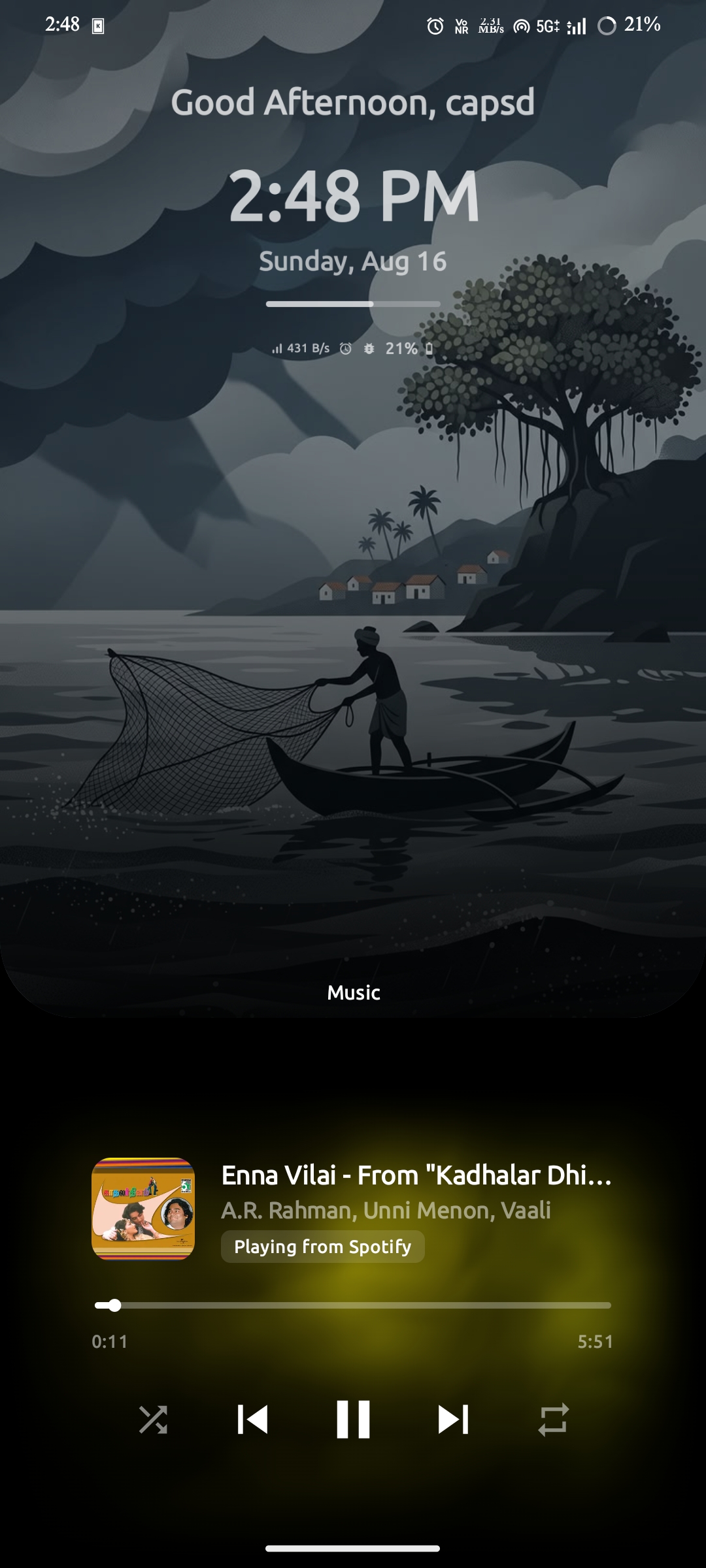
Built-in music player controls and a decorative audio visualizer widget on the home screen.
Long-press shortcuts
Long-press any keyboard key to instantly launch a specific app, contact, or shortcut — no menus needed.
Wallpaper dimming, gradient & dual shade
Tune wallpaper dimming, apply color gradients, and clip the wallpaper into shapes like paint drip, theater arch, and more.
Vertical & horizontal cards
Choose between vertical-scroll or horizontal-swipe card layouts for quick access.
Hidden space
A swipe-away page for apps and files you want kept out of sight.
Depth & parallax
Wallpaper-backed depth layers with parallax scrolling that adds dimension to the home screen.
Favourites
Pin your most-used apps to a dedicated strip for instant access.
Todo list & notifications
A built-in todo list and notification panel on the home screen so you never miss what matters.
Work profile support
Separate work and personal apps with full work-profile integration in the drawer.
Mindful Pause
A 30-second intervention with usage stats and a blocking disclaimer every time you open a distracting app.
1900+ fonts
Access over 1900 Google Fonts to customize every piece of text on your home screen.
Focus mode
Mindful Pause — see the real cost
Select the apps that hijack your attention. Every time you open them, Space Launcher shows a 30-second timer with your usage stats and projections — plus a warning about how much time will be blocked if you exceed your daily threshold.
No. All processing happens locally on your device. The only external requests are optional weather data, custom font downloads, and icon pack downloads — all anonymized. See the Privacy Policy.
Permissions are optional and feature-scoped: contacts (search & dial), calendar (Agenda widget), notification access (music controls & visualizer), usage stats (Smart Suggestions), Bluetooth (adapter status only — no scanning or tracking), and storage/media (custom wallpapers and app icons). Depth widgets use built-in visual processing entirely on-device. Each permission only powers the feature it belongs to.
You select distracting apps and set a daily usage threshold. Every time you open one, a 30-second timer shows your usage stats and projections. A disclaimer warns you how much time will be blocked if you exceed your threshold. You can choose to continue or step back.
Swipe up from the bottom and the wallpaper shrinks, displacing to the top as the hidden space unfolds. Every page lives there — Drawer, Widgets, Music, Notifications, Search, Favourites, To-Do, Games, Hidden Vault, Settings and more — in vertical page or horizontal card modes, all reachable with one finger.
Depth time and depth text widgets float over your wallpaper. Built-in visual processing runs entirely on-device to separate the foreground object from your wallpaper, rendering it in front of the depth widgets for a true three-dimensional effect.
Yes. The Hidden Vault page inside the hidden space stores apps privately, protected by your device's lock screen and biometric security, and can auto-lock after you launch an app from it.
Space Launcher runs on Android devices. Some features (wallpaper depth effects, dynamic theming) work best on recent Android versions.
Open Space Launcher and follow the on-screen setup, or go to Settings → Apps → Default apps → Home app and choose Space Launcher. Full steps are in the documentation.
Ready when you are
Start your phone with intention
Download Space Launcher, and give yourself a home screen designed for focus.